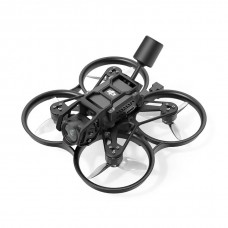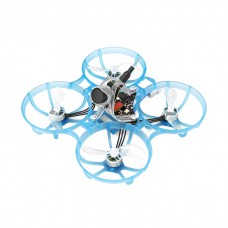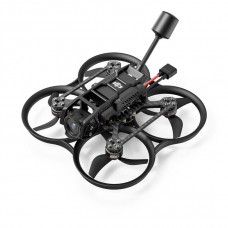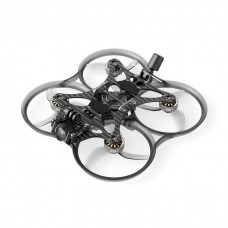
- Availability: In Stock
- Product Code: 01080014_2
- Product overview
- Reviews (0)
- Related products
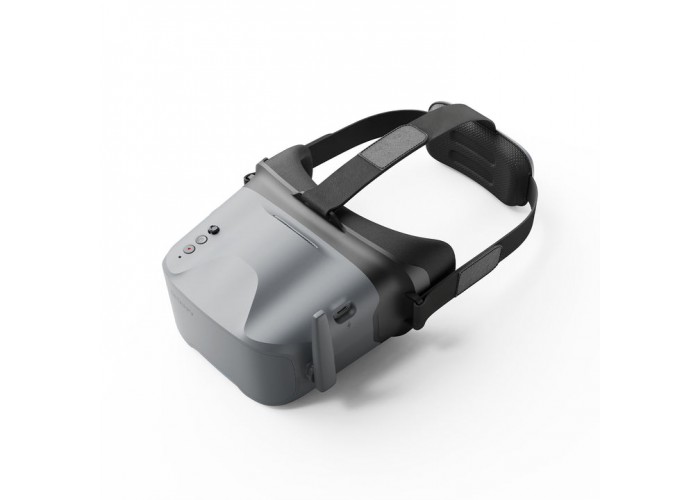
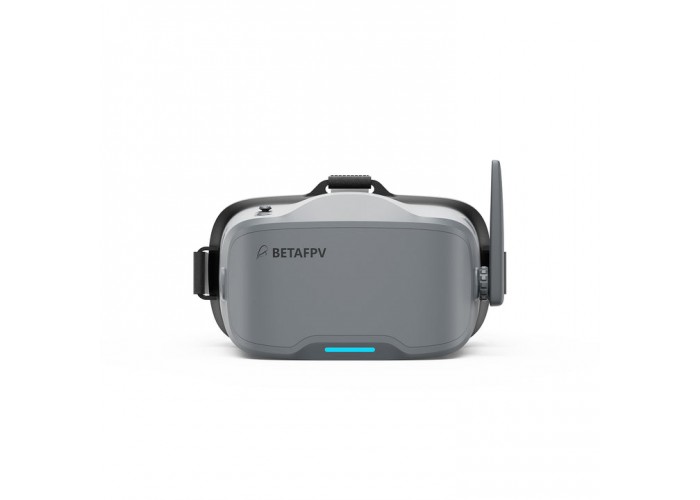
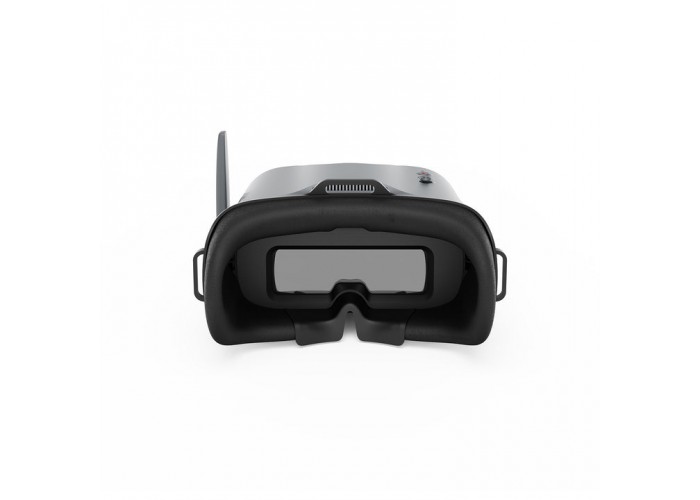
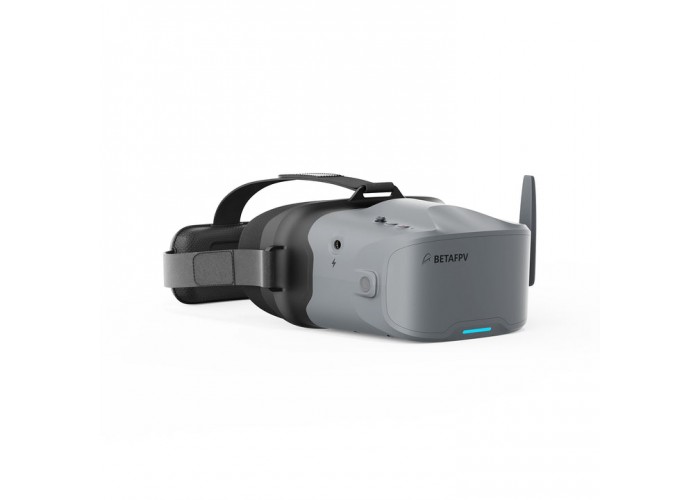
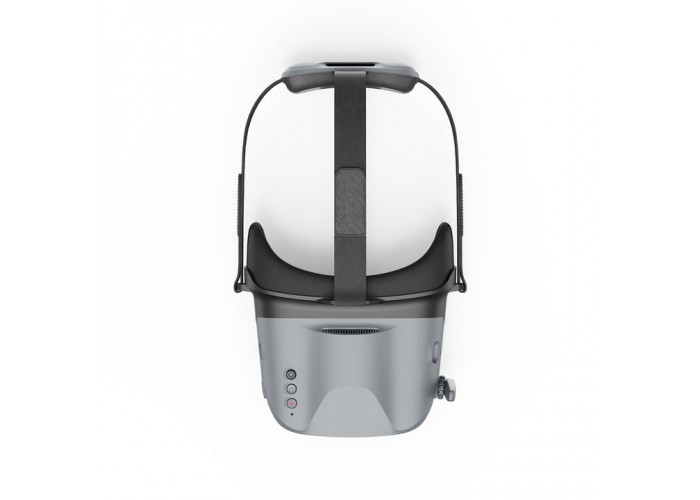
VR04 is a modern FPV goggles designed for maximum immersion in flight. The main difference of this model is thoughtful ergonomics for pilots who wear vision glasses, as well as an improved isolation system from external light. With built-in DVR and the ability to be powered by external batteries, the VR04 becomes a versatile tool for long flight sessions.
Specifications
Display: 4.3 inches, resolution 800*480 pixels.
Receiver: 5.8 GHz, 48 channels with graphical display of signal quality.
Battery: Built-in 3.7 V, 2000 mAh.
Operating time: ~2 hours (normal mode)/~1 hour (recording mode).
Additional power: Supports external batteries 2–6S (via adapter).
Video recording (DVR): 480P@30fps (AVI format).
Antenna connector: RP-SMA.
Weight: 425g ± 10g.
Key Benefits
Comfort for glasses wearers
The interior space of the VR04 is specially increased, allowing pilots to use their regular goggles during flight. The soft eco-leather (PU) lining and silicone insert on the bridge of the nose reliably block the glare of the sun, ensuring full concentration on the image.
Flexible power system
In addition to the built-in 2000 mAh battery, VR04 glasses support power from any LiPo batteries from 2S to 6S. This is important for field conditions: if the built-in charge runs out, you can simply connect a regular drone battery.
Smart channel search
Pressing and holding the 5D button for 2-3 seconds activates broadcast scanning. The color display system will help you select a pure frequency:
Green: The channel is free.
Yellow: Moderate obstacles.
Red: The channel is occupied by another transmitter.
White: Strongest signal detected (your drone).
Working with DVR (Flight Recording)
For recording, use a MicroSD card up to 64 GB (class 10, FAT32 system).
Start: Briefly press the record button. A beep-beep sound will sound and a red dot will appear.
Recording: After 8 seconds, the indicator will flash and a timer will appear. The recording is activated.
Stop: Press the record button again. After 2-3 seconds the timer will disappear and the file will be saved.
Note: Like the previous model, the DVR function takes about 10 seconds to activate at the touch of a button. The maximum duration of one video file is 10 minutes.
Recommended Models
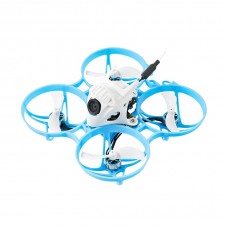
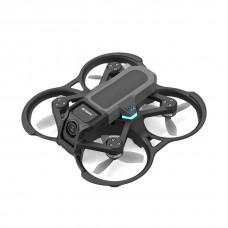
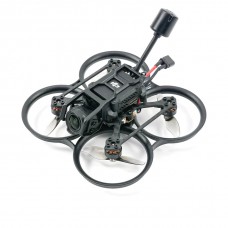
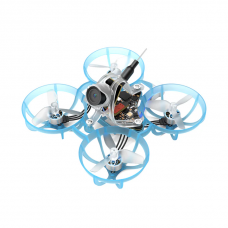
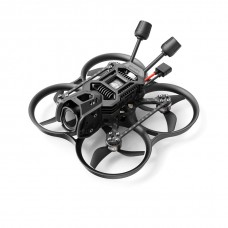
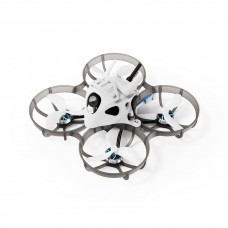
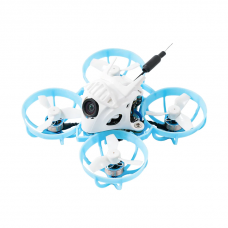
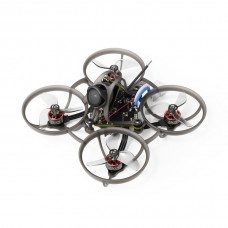
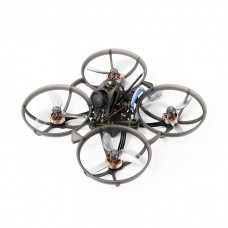
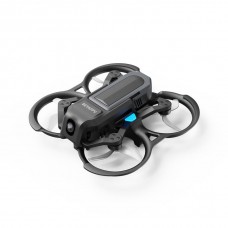
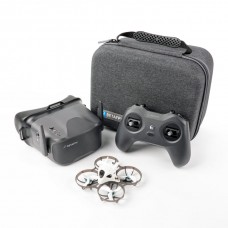
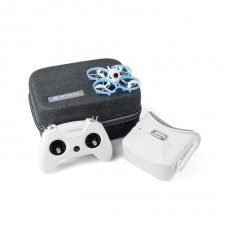
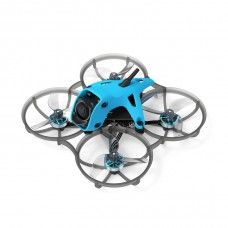
Quadcopters: Aquila20 FPV Kit, Meteor and Cetus series.
Any drones with a 5.8 GHz analog transmitter.
Equipment
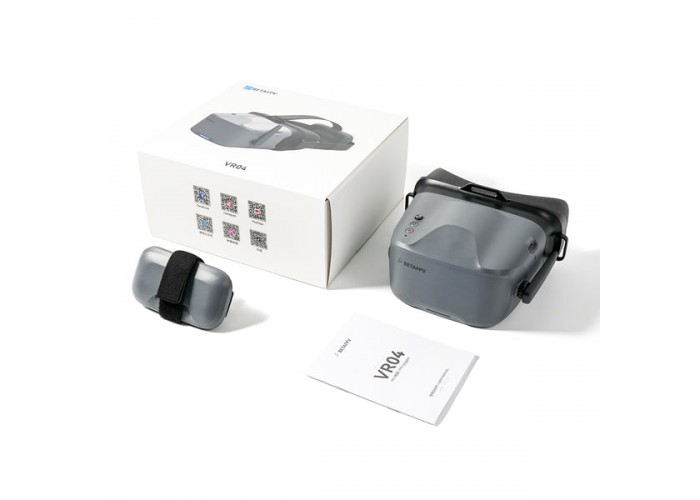
FPV goggles BETAFPV VR04 - 1 pc.
Adjustable strap – 1 pc.
User manual - 1 pc.
-228x228.png "BetaFPV Meteor75 Pro Brushless Whoop Matrix Quadcopter")